
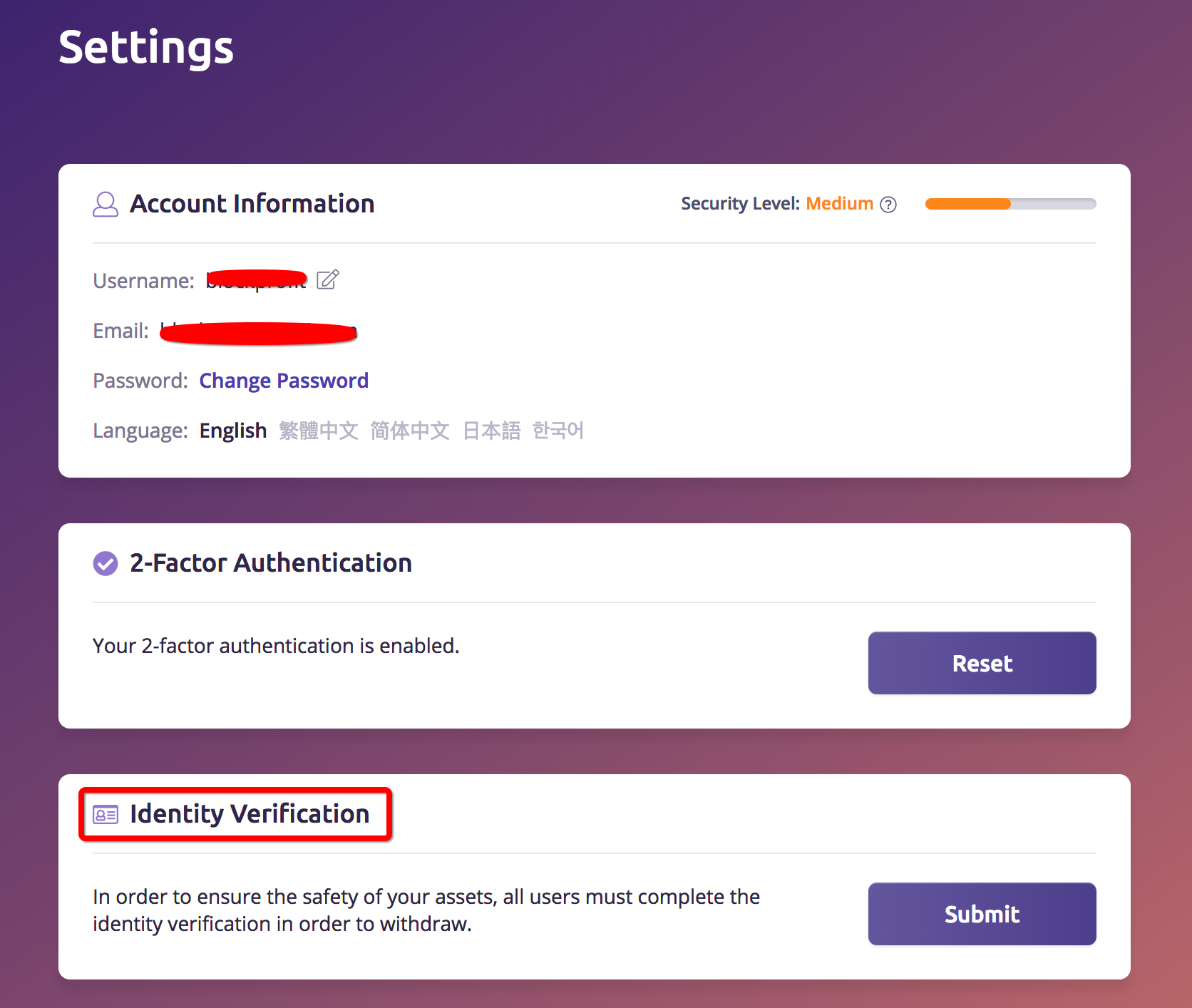
Step 1: After signing in, go to “Settings” and find the “Identity Verification” section. Please click “Submit” to verify your identity to active the withdraw function.
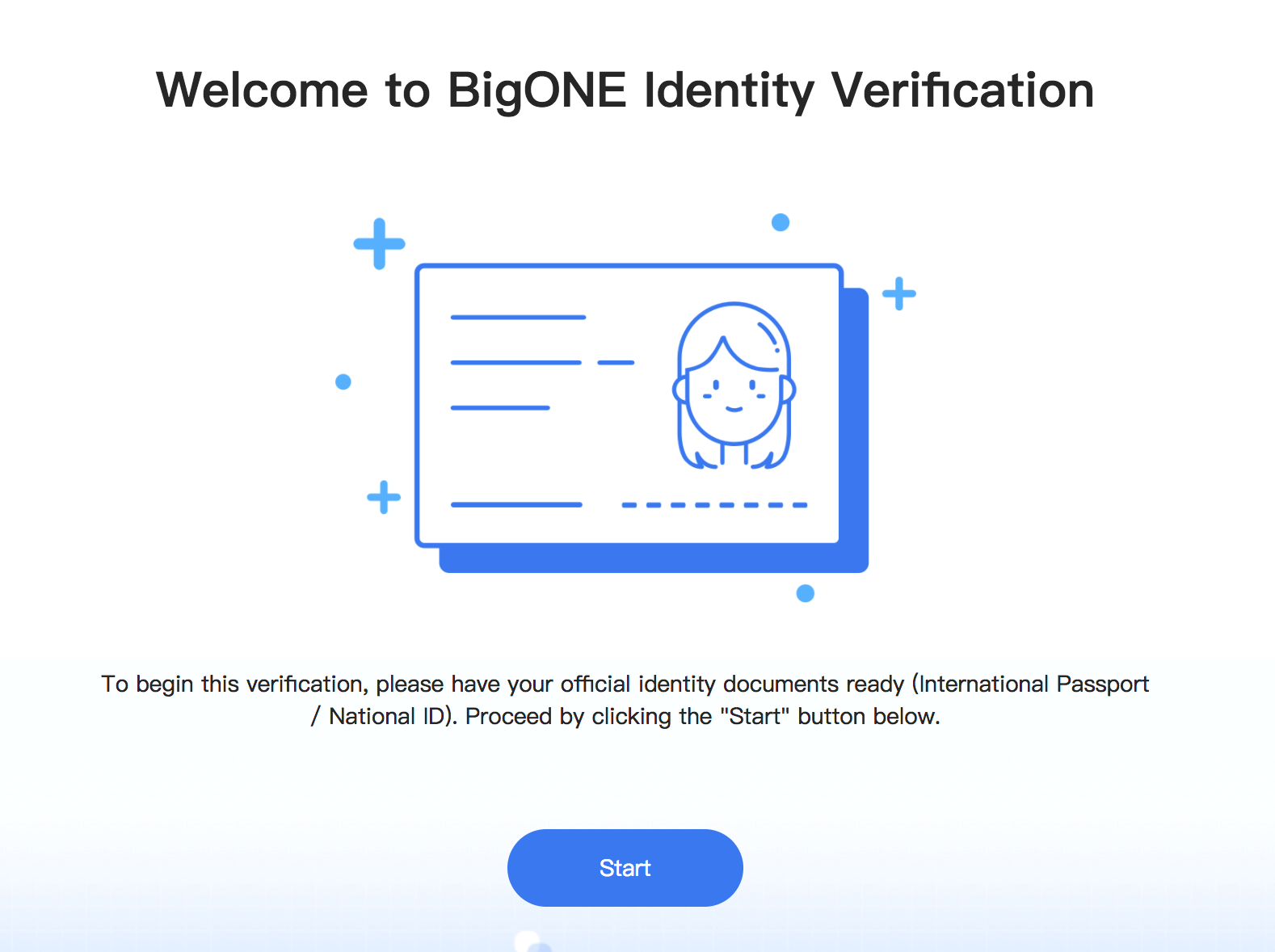
Step 2: Get your Passport/Driver License/National ID ready.
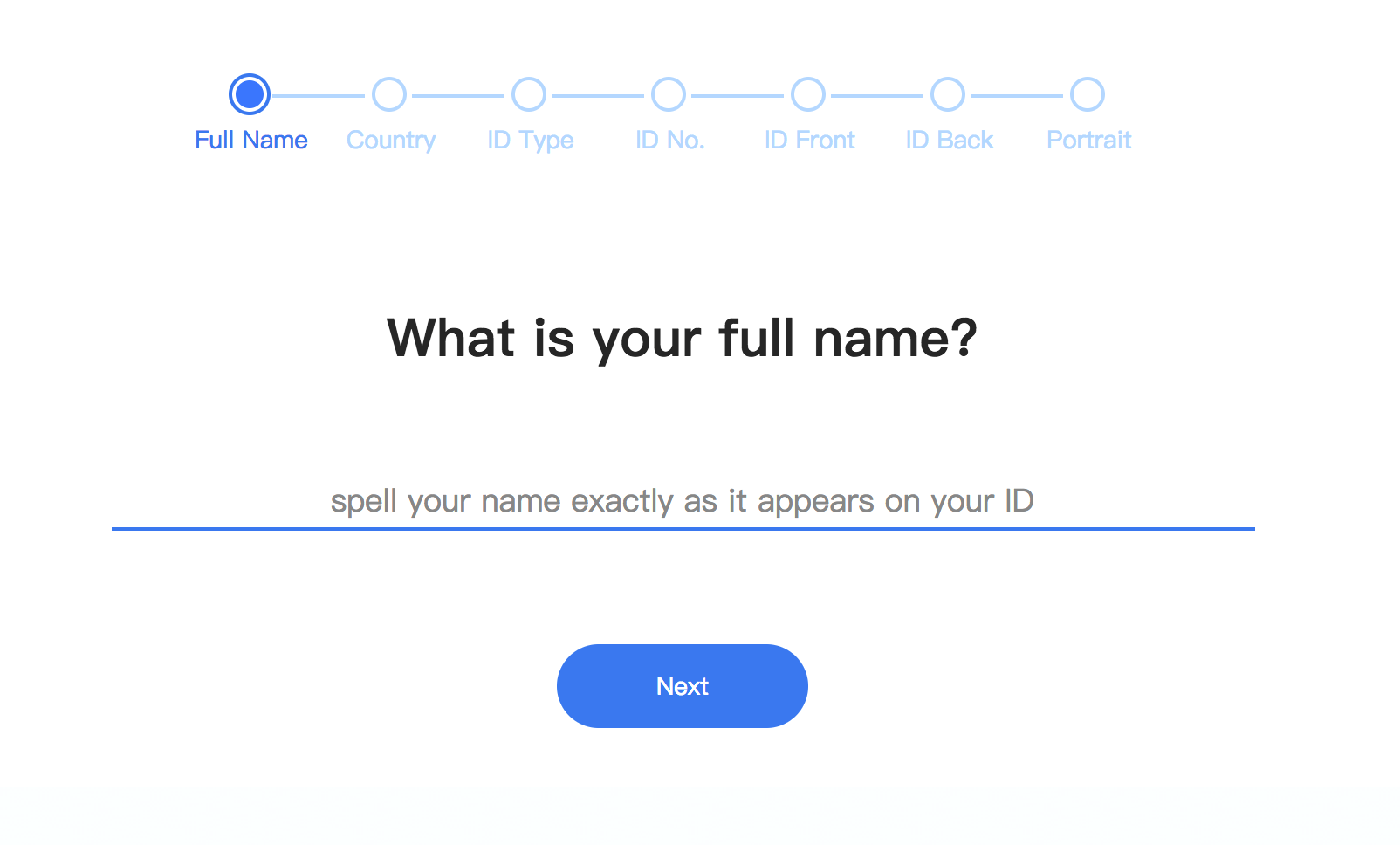
Step 3: Enter the name that appears on your passport. (We use Passport as example here)
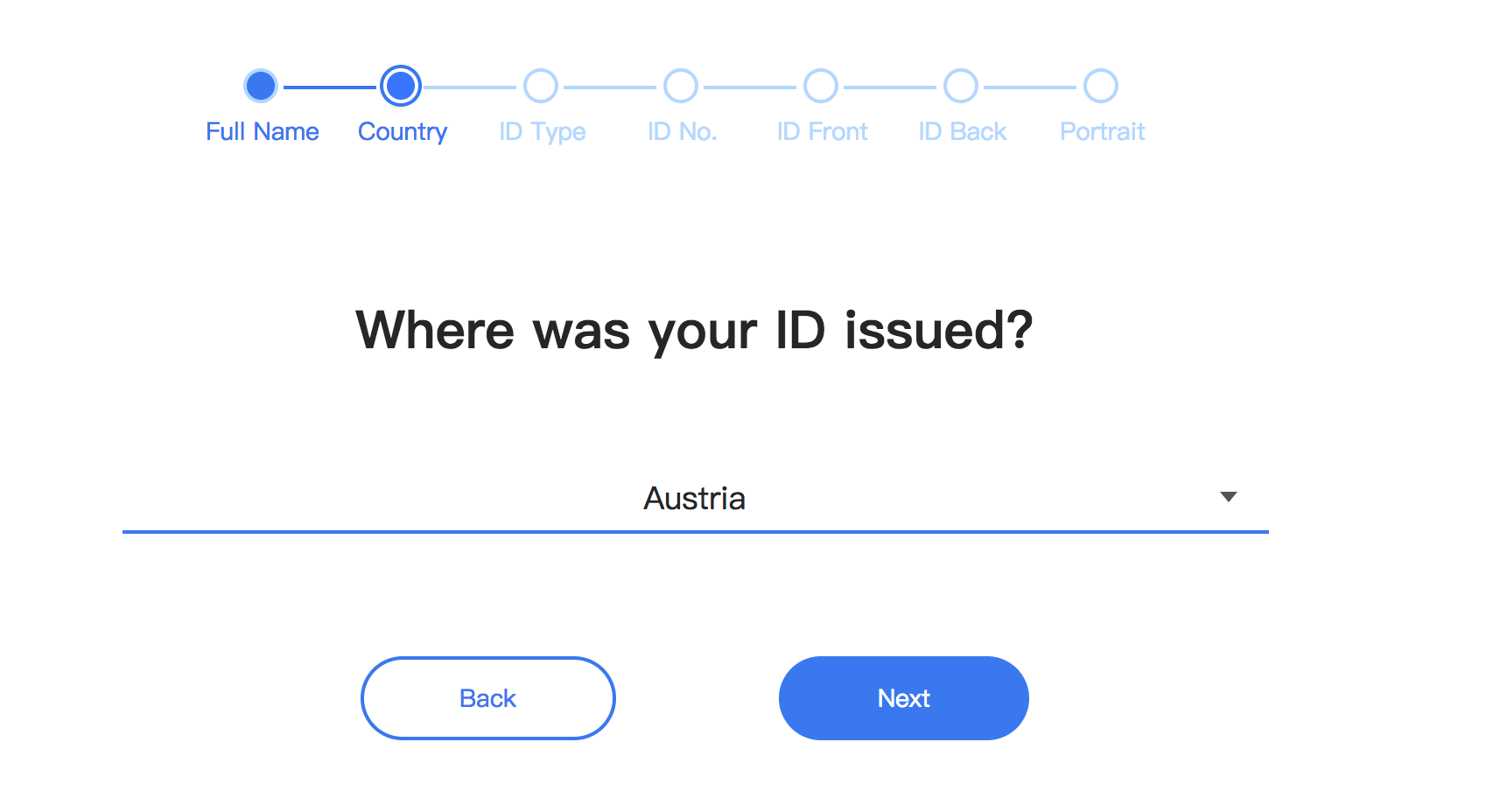
Step 4: Choose Nationality.
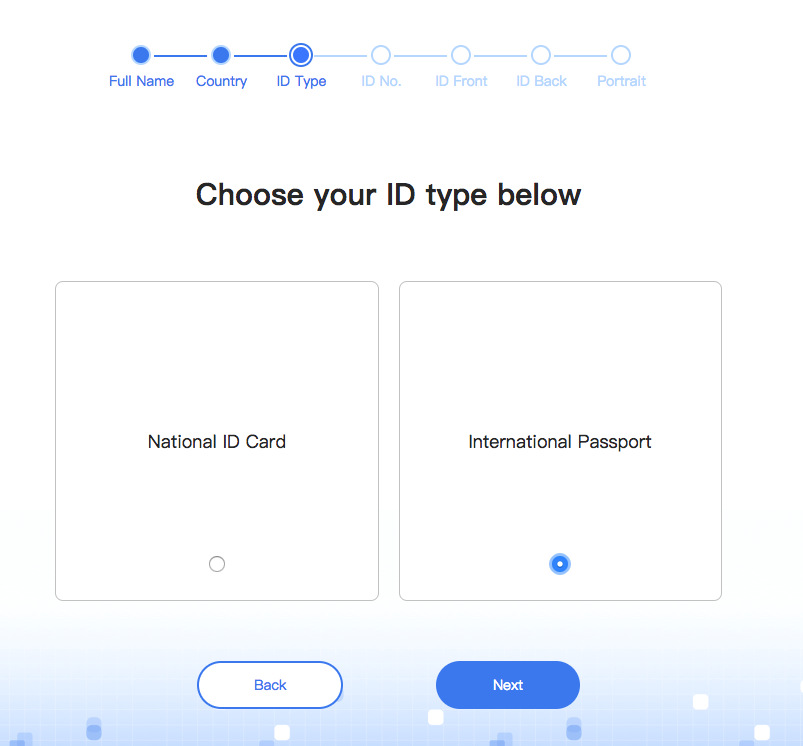
Step 5: Choose your ID type (Passport).
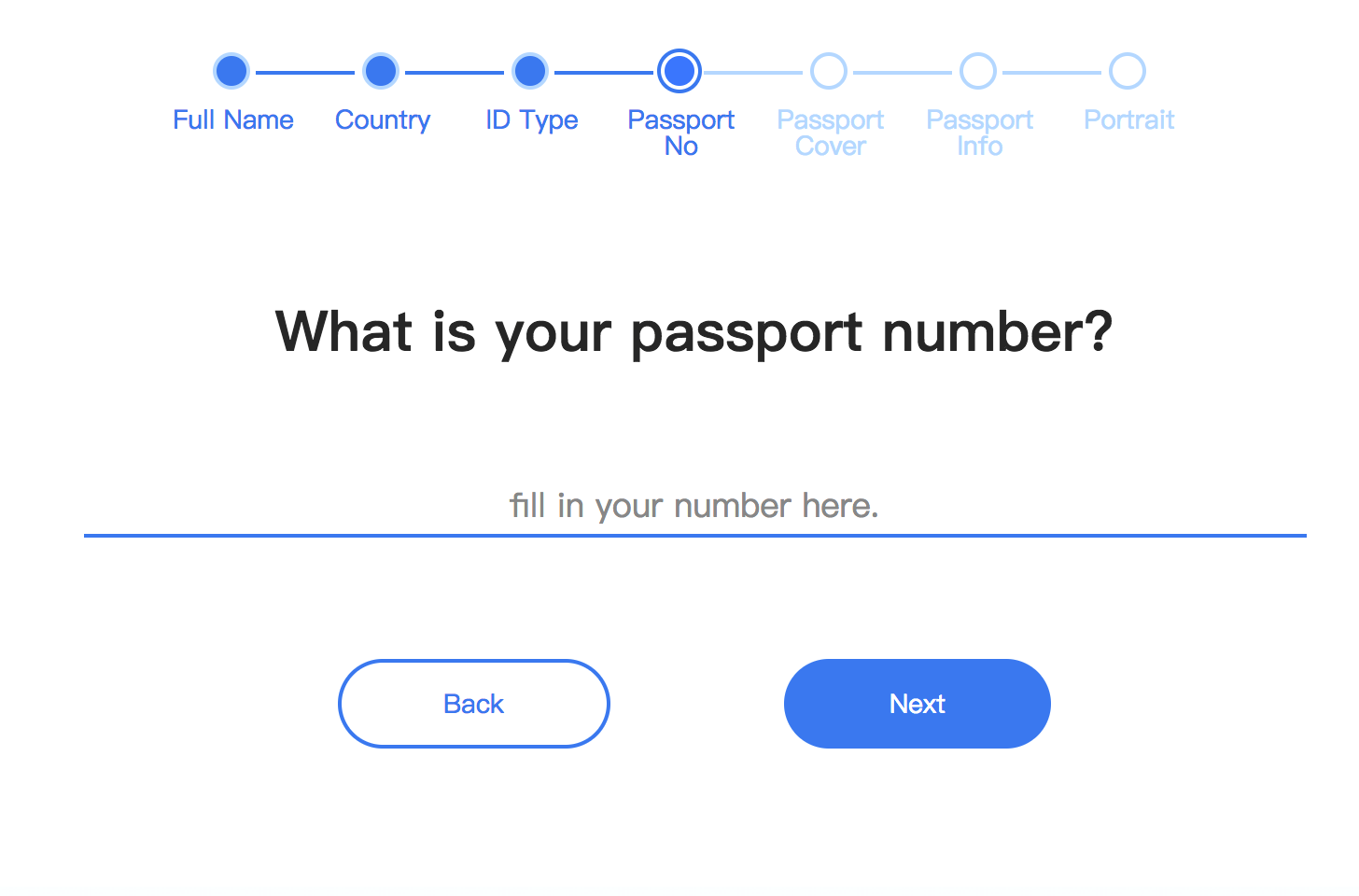
Step 6: Enter your passport number.
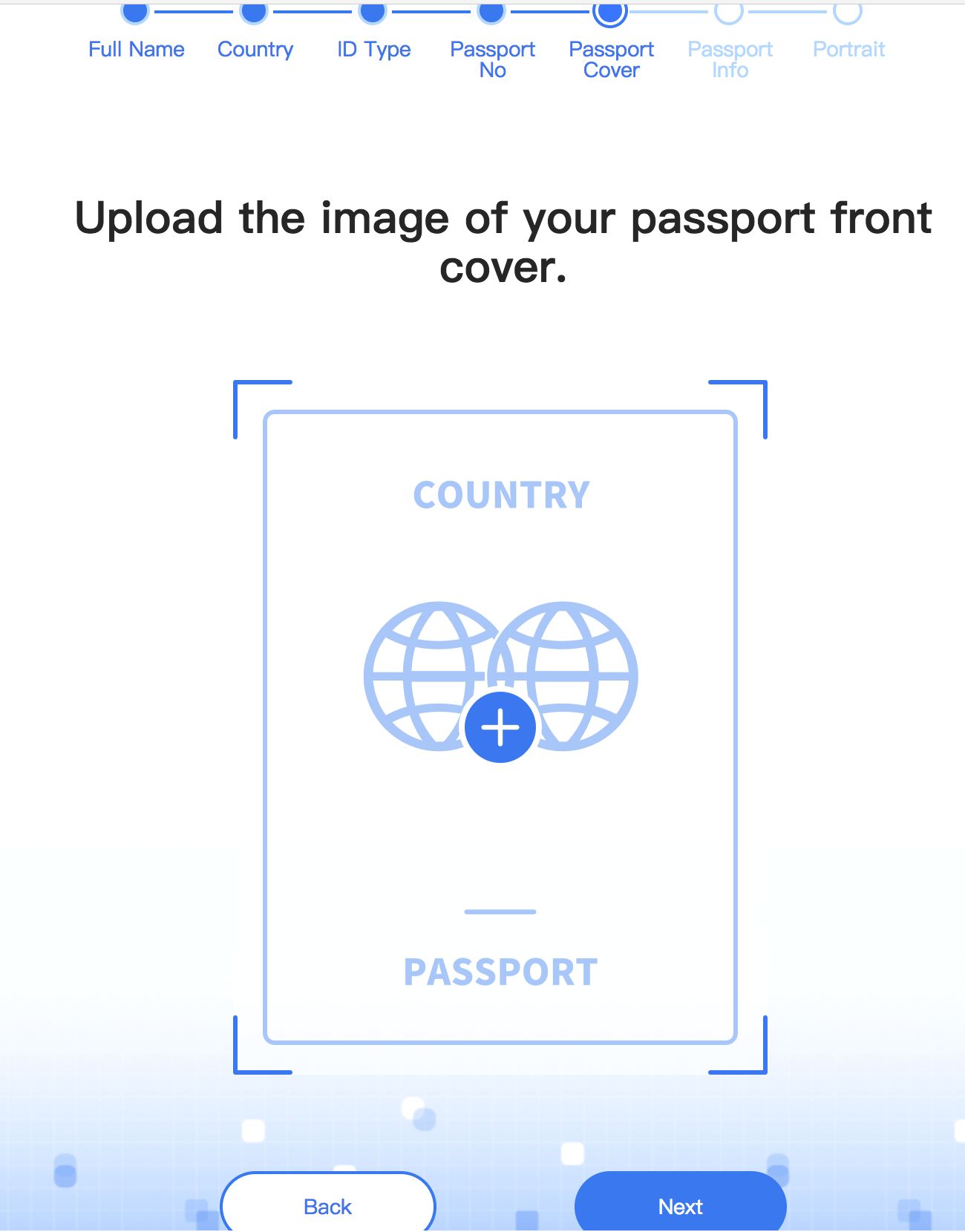
Step 7: Upload the image of your passport‘s front cover.
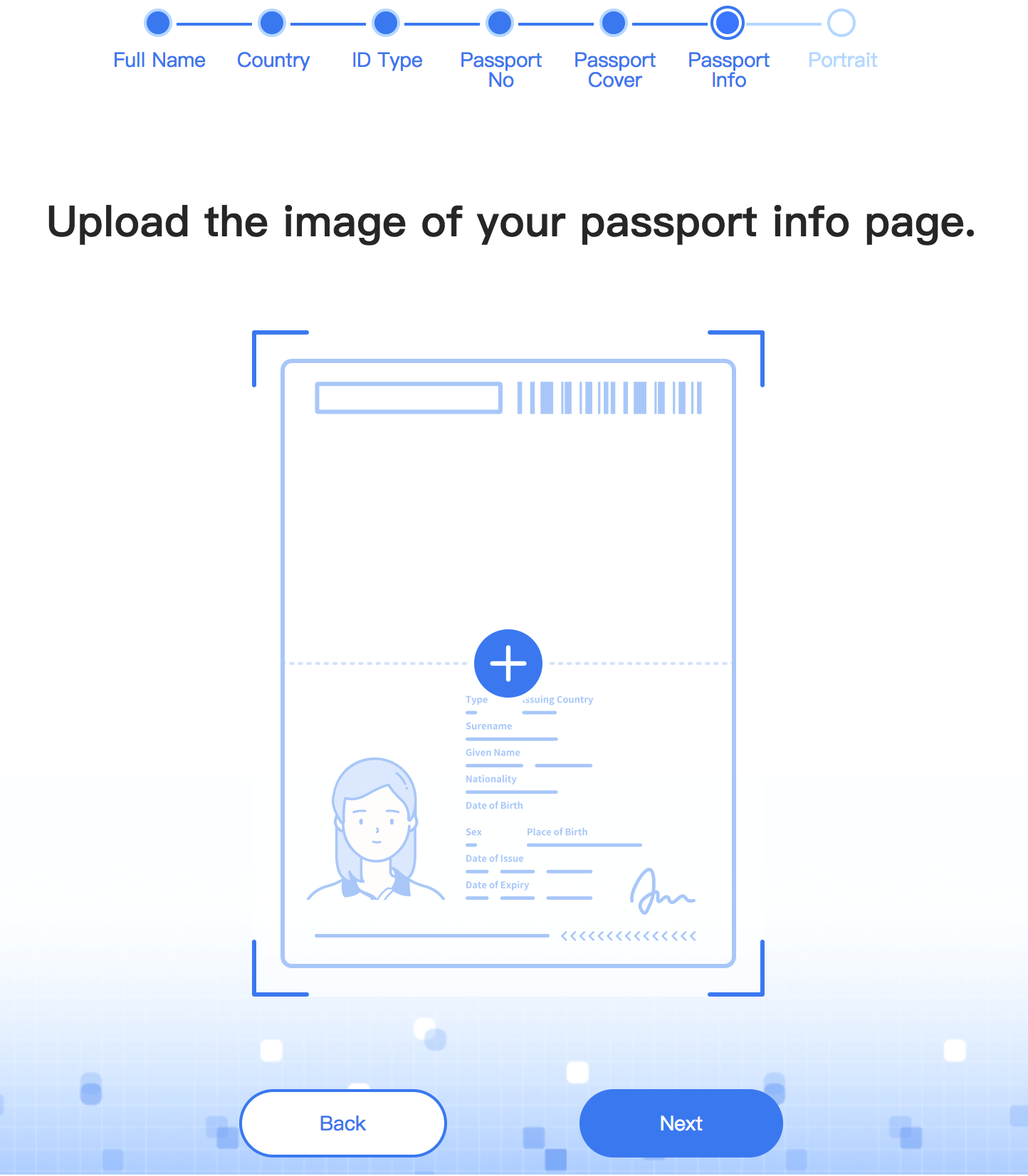
Step 8: Upload the image of your passport rear cover.
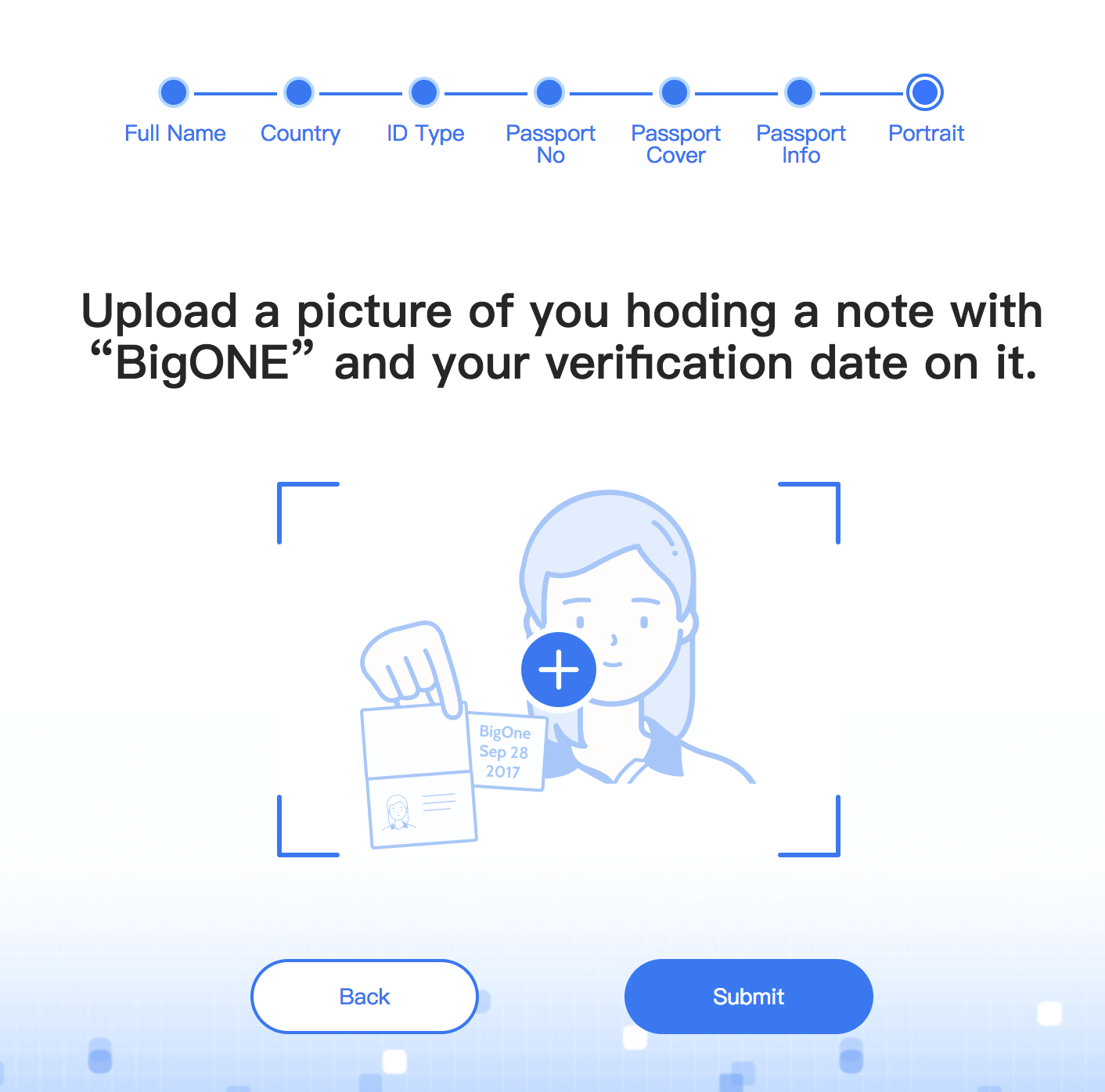
Step 9: Upload a picture of you holding a note with “BigONE” written on it along with the date in which your verification occurs.
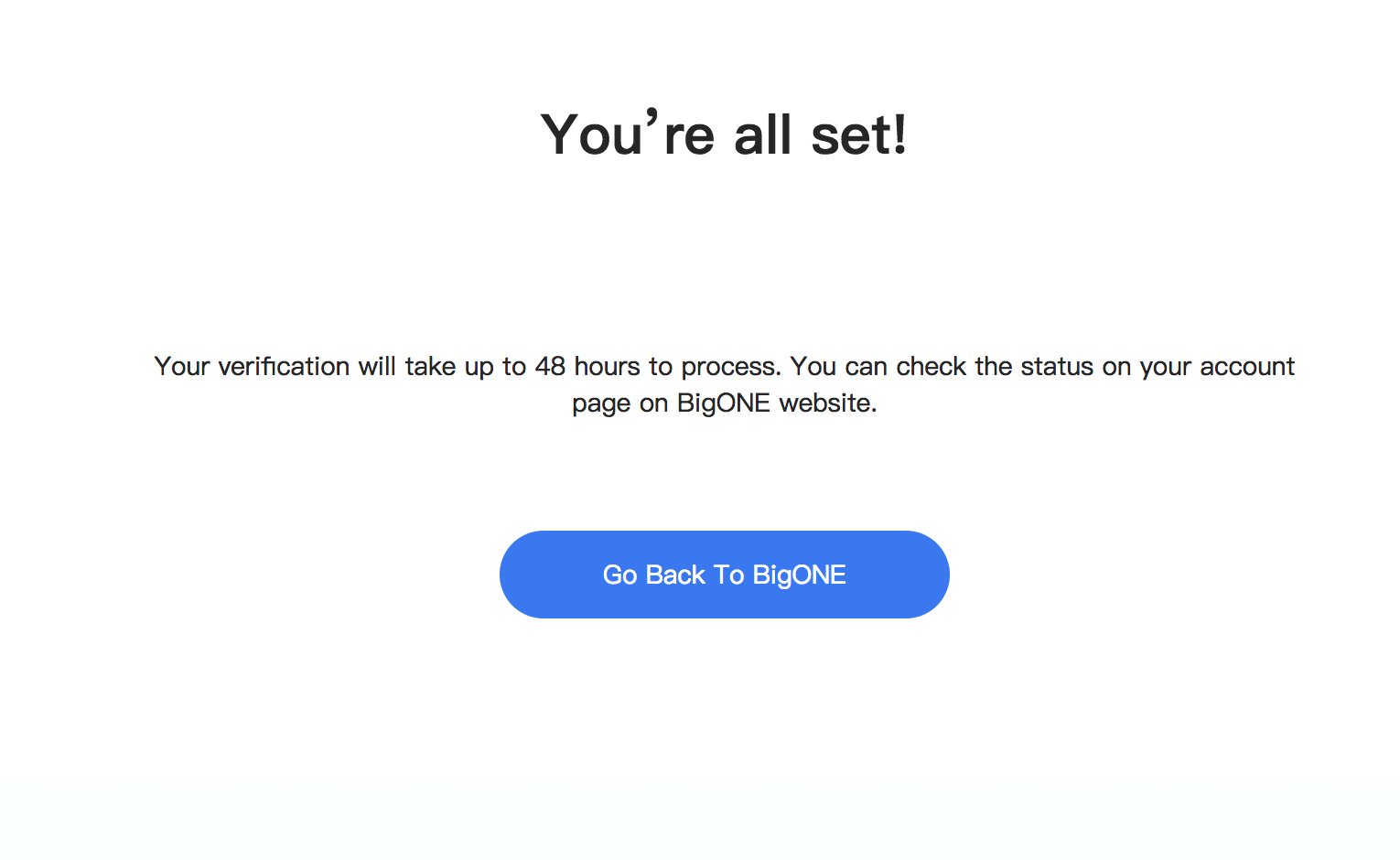
Step 10: Waiting for approval. You will receive an email after the verification process is finished.
Comments
0 comments
Article is closed for comments.